
9 min read
Look, I’ll be honest with you.
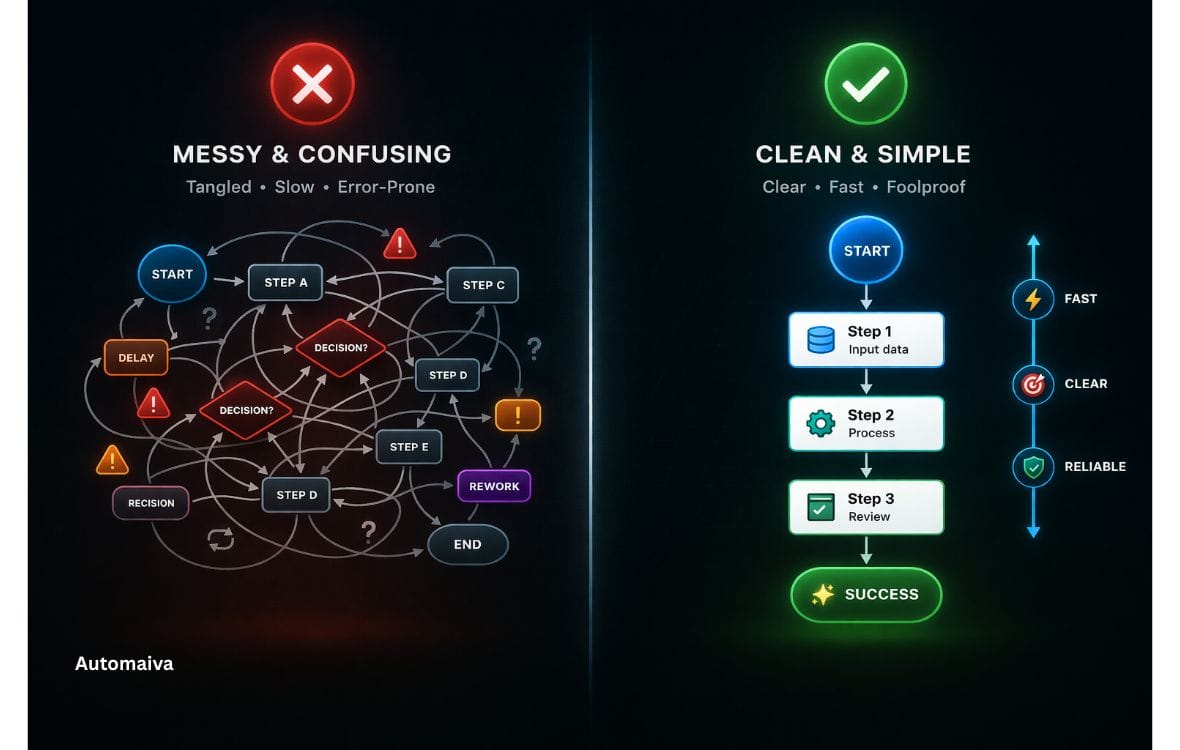
SaaS marketing automation workflows are often overcomplicated, but the most effective systems are usually the simplest.
When I first started digging into marketing automation for SaaS, I assumed the teams with the most complex workflows were the ones winning. You know the type — flowcharts with seventeen conditional branches, tags syncing across three platforms, and an automation that probably pays their electricity bill.
After reviewing case studies, speaking with founders, and analysing how these systems perform in practice, a different pattern becomes clear.
The most effective teams? They keep things simple.
I’m based in Melbourne, and over the last few years I’ve been studying how SaaS founders — especially in the US market — actually use automation. Not what tool vendors promote at conferences, but what tends to work when you have a small team, a limited budget, and no interest in becoming a full-time automation engineer.
So here are five common automation workflows SaaS teams often implement. Some perform well. Most don’t. And the ones that consistently deliver results? They’re usually the simplest.
This reflects patterns observed across real SaaS businesses.
The Setup
Before we get into the workflows, here’s the typical context:
- Tool stack: Usually HubSpot, ActiveCampaign, Mailchimp, or a mix
- Audience: SaaS founders, marketers, and operators
- Goal: Convert free users or nurture leads without overwhelming them
- Timeframe: First 6–12 months
If you’re still building your stack, you might want to review tools in this guide:
/marketing-automation-tools-saas/
Workflow #1: The “Welcome Onslaught”
What this looks like:
- Day 1: Welcome
- Day 2: Content
- Day 3: Founder intro
- Day 4: Product push
What typically happens:
Open rates start strong, then drop. Unsubscribes increase after a few emails.
Why it fails:
It tries to build a relationship too quickly.
Lesson:
Give people space. A slower cadence performs better.
Workflow #2: The “If This Then That” Nightmare
What this looks like:
Highly complex logic with multiple conditions and triggers.
What typically happens:
- Broken flows
- Wrong emails sent
- Tag conflicts
Why it fails:
Complexity reduces reliability.
If you’re comparing tools that enable this level of automation, it’s worth understanding the difference between CRM and automation platforms:
/crm-vs-marketing-automation-saas/
Lesson:
Simple systems scale better.
Workflow #3: The Free Trial Nurture
What this looks like:
A structured onboarding sequence over 14 days.
What typically happens:
This can improve engagement—but only when timing is right.
Why it’s mixed:
Too many emails can reduce product usage.
Lesson:
Let users explore between messages.
Workflow #4: The Segmented Content Library
What this looks like:
- User clicks a topic
- Gets segmented
- Receives targeted content
What typically happens:
- Higher engagement
- Better retention
- More relevant communication
If you’re building content around this approach, it aligns closely with how SaaS teams structure their growth stack:
/saas-growth-stack/
Why it works:
It responds to behaviour instead of guessing.
Lesson:
Let users signal intent.
Workflow #5: The At-Risk Subscriber Rescue
What this looks like:
Re-engagement sequence after inactivity.
What typically happens:
Some users return. Others drop off—improving list quality.
Why it works:
It’s respectful and value-driven.
Lesson:
Not all users need to be retained.
What Actually Works
Across SaaS teams, the pattern is clear:
| Workflow Type | Common Tool | Why It Works |
| Simple welcome | Mailchimp / ConvertKit | Easy to manage |
| Trial nurture | ActiveCampaign | Behaviour-based |
| CRM tracking | HubSpot | Revenue visibility |
If you’re early-stage:
- Keep it simple
- Focus on engagement
- Avoid overbuilding
You can also explore foundational SaaS strategy concepts here:
/saas-metrics-101-definitive-guide/
The One Workflow to Start With
Email 1: Welcome
Email 2: Ask a question
Email 3: Send relevant content
That’s it.
This simple system often produces better insight than complex dashboards.
Final Thought
Automation should reduce effort—not create more complexity.
The workflows that tend to perform best are:
- Simple
- Clear
- Human
Start there. Add complexity only when needed.
Disclaimer
This article is based on industry research, observed practices, and commonly documented SaaS workflows. Results may vary depending on your audience, product, and execution.
About the Author
James Cavill is a SaaS content strategist based in Melbourne, Australia. He focuses on marketing automation systems and practical growth workflows, helping founders build scalable systems without unnecessary complexity.